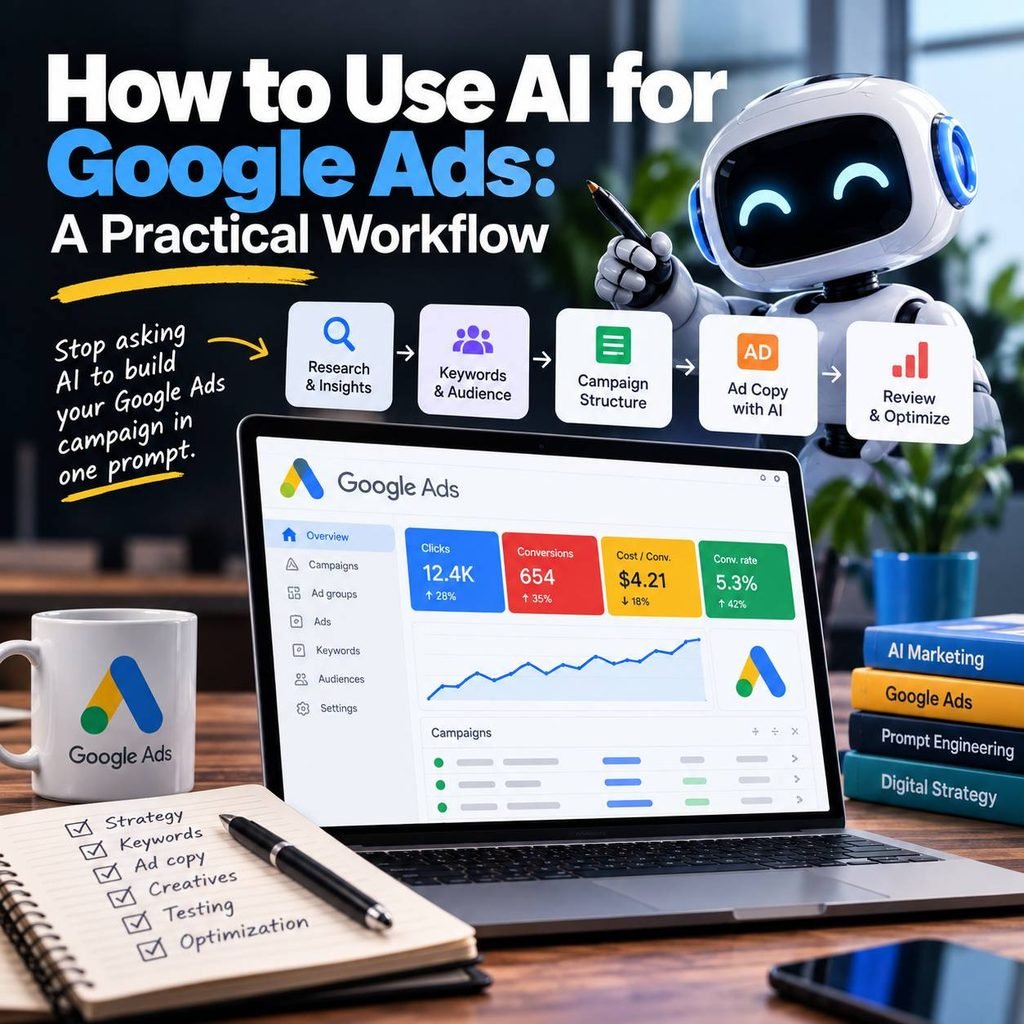
Artificial intelligence can make Google Ads research, campaign creation, analysis, and optimization much faster.
But there is a common mistake:
Asking AI to build an entire Google Ads campaign in one prompt.
A request like:
“Create a Google Ads campaign for my business.”
may produce keywords, headlines, descriptions, and campaign ideas in seconds. The problem is that the output is often based on assumptions rather than actual business context, search intent, competitive research, and performance data.
A better approach is to use AI throughout the Google Ads workflow:
Research → Keywords → Campaign Structure → Ad Copy → Launch → Analyze → Optimize
AI assists at every stage.
You still make the advertising decisions.
In this guide, you’ll learn a practical framework for using AI with Google Ads without handing your entire strategy over to a chatbot.
Table of Contents
1. Start with the Business, Not the Keywords
Before asking AI for keywords or ads, give it enough information to understand the business.
At minimum, define:
- Product or service
- Target customer
- Geographic market
- Main problem being solved
- Key benefits
- Price or business model
- Main competitors
- Conversion goal
- Advertising budget
For example, instead of:
Give me keywords for an accounting company.
provide context:
We are an accounting firm serving small businesses in Miami. Our primary services are bookkeeping, tax preparation and business accounting. Our target customers are companies with 1–50 employees. Our main Google Ads conversion is a consultation request.
This gives the AI a much better foundation.
Practical AI prompt
Act as a Google Ads research assistant.
Analyze the following business and identify its primary customer segments, customer problems, potential search intent, differentiators and Google Ads opportunities.
Business: [BUSINESS]
Product/Service: [PRODUCT]
Target Market: [MARKET]
Location: [LOCATION]
Main Conversion: [CONVERSION]
Competitors: [COMPETITORS]Do not create the campaign yet. Start with the market and customer analysis.
Notice the final instruction:
Do not create the campaign yet.
We are separating research from execution.
2. Use AI for Market and Competitor Research
AI can help organize competitor information much faster than manually reviewing dozens of pages.
You can analyze:
- Competitor positioning
- Products and services
- Pricing
- Value propositions
- Landing pages
- Offers
- Messaging
- Potential keyword themes
- Customer pain points
But AI should not invent competitor information.
Whenever possible, provide real source material: website text, landing pages, search results, spreadsheets, reports or notes from your own research.
A useful framework is:
Competitor → Offer → Audience → Message → Differentiator → Opportunity
For example:
| Competitor | Main Offer | Message | Potential Opportunity |
|---|---|---|---|
| Competitor A | Free consultation | Save time | Emphasize expertise |
| Competitor B | Low-cost service | Affordable pricing | Compete on quality |
| Competitor C | Premium service | Personalized support | Target smaller businesses |
The goal isn’t to copy competitors.
It is to understand the market before deciding how your campaign should compete.
3. Build Keyword Ideas with AI
This is where AI becomes particularly useful.
Instead of immediately asking for hundreds of keywords, start by identifying keyword themes based on search intent.
For example:
High commercial intent
- accounting services near me
- small business accountant
- bookkeeping services
- business tax accountant
Problem-based searches
- help with business taxes
- accountant for small company
- outsource bookkeeping
Informational searches
- how much does bookkeeping cost
- do I need an accountant for my business
These searches don’t necessarily belong in the same campaign.
Someone searching:
“bookkeeping services near me”
may be considerably closer to becoming a customer than someone searching:
“what is bookkeeping?”
AI can help classify these differences.
Better keyword prompt
Generate keyword ideas for this business and organize them according to search intent:
- Transactional
- Commercial
- Informational
- Brand
- Competitor
Then group the commercial and transactional keywords into tightly related themes that could become Google Ads ad groups.
Do not invent search volume, CPC or competition data.
That last instruction is important.
AI can generate and organize ideas, but Google Ads Keyword Planner and actual campaign data should be used for real advertising metrics.
4. Use AI to Find Negative Keyword Opportunities
Generating keywords is only half the job.
You also need to determine what you don’t want to pay for.
Imagine that your company sells professional accounting services.
Potential irrelevant searches might include:
- accounting jobs
- accounting salary
- accounting degree
- free accounting course
- accounting software download
- accounting internship
AI can help identify these patterns and organize negative keywords into categories such as:
Jobs
jobs, careers, salary, internship
Education
course, degree, certification, tutorial
Free resources
free, template, download
But don’t blindly add every AI suggestion as a negative keyword.
Some words that appear irrelevant in one business could be commercially valuable in another.
AI suggests. The advertiser verifies.
5. Build a Logical Google Ads Campaign Structure
Once the keyword research is ready, AI can help transform the research into campaign architecture.
A simple structure could look like:
Campaign
Accounting Services
Ad Group 1
Small Business Accounting
Ad Group 2
Bookkeeping Services
Ad Group 3
Tax Preparation
Each group should represent a meaningful search theme.
Avoid creating dozens of unnecessary ad groups simply because AI can generate them.
A useful principle is:
Search Intent → Keyword Theme → Ad Group → Relevant Ad → Relevant Landing Page
The closer those elements are aligned, the more coherent the user experience becomes.
6. Create Responsive Search Ads with AI
Now AI can help with ad creation.
This is where many advertisers start.
It should actually happen after the research.
For Responsive Search Ads (RSA), AI can help generate different headline angles:
Keyword relevance
Small Business Accounting Services
Benefit
Spend Less Time Managing Your Books
Problem
Need Help With Business Taxes?
Trust
Professional Accounting Support
Action
Schedule a Consultation
Instead of requesting random variations, give AI clear constraints.
RSA prompt example
Create Responsive Search Ad ideas for the following Google Ads ad group.
Business: [BUSINESS]
Ad Group: [AD GROUP]
Keywords: [KEYWORDS]
Customer: [CUSTOMER]
Main Benefit: [BENEFIT]
Offer: [OFFER]
Landing Page: [LANDING PAGE]IATools ProWant to practice this workflow?
Learn AI Copywriting and Marketing with practical lessons, prompts and exercises inside IATools Pro.
Explore IATools Pro →Practical AI skills. Real workflows. Learn by doing.Generate different headline angles covering:
- Keyword relevance
- Customer problem
- Benefit
- Differentiator
- Trust
- Call to action
Avoid unsupported claims and invented statistics.
Keep all assets within current Google Ads character limits.
The important part isn’t generating the maximum number of headlines.
It’s creating meaningfully different messages worth testing.
7. Don’t Forget the Landing Page
An excellent ad can’t compensate for a poor landing page.
Your workflow should continue:
Keyword → Search Intent → Ad → Landing Page → Conversion
AI can help review whether these elements are aligned.
For example, provide:
- Target keyword
- Search intent
- RSA
- Landing page copy
- Conversion objective
Then ask:
Analyze the alignment between the search intent, ad messaging and landing page. Identify inconsistencies that could reduce conversion probability. Do not rewrite anything yet.
This makes AI an analysis tool before a generation tool.
That’s an important distinction.
8. Launch the Campaign — Then Use Real Data
Before launch, much of the work is based on research and hypotheses.
After launch, something changes:
You have actual search behavior.
Google Ads begins providing information such as:
- Impressions
- Clicks
- CTR
- CPC
- Search terms
- Conversions
- Conversion rate
- Cost per conversion
Now AI can work with evidence rather than assumptions.
Export campaign data into a spreadsheet or structured table and provide it to your AI assistant.
Then ask it to analyze the data.
9. Analyze Search Terms with AI
The Search Terms report can become one of your most useful sources for optimization.
AI can classify search terms into categories such as:
Relevant + converting
Potential candidates for keyword expansion.
Relevant + not converting
May require more data, different bidding, better messaging or landing-page investigation.
Irrelevant
Potential negative keywords.
Unexpected opportunities
Queries revealing customer needs you hadn’t considered.
Instead of manually reviewing hundreds or thousands of queries, AI can accelerate classification.
But again:
Don’t automatically apply every recommendation.
A human should review the business implications.
10. Use AI to Analyze Google Ads Performance
Suppose you export campaign performance:
| Campaign | Clicks | Cost | Conversions | CPA |
|---|---|---|---|---|
| Accounting | 430 | $720 | 32 | $22.50 |
| Bookkeeping | 310 | $490 | 28 | $17.50 |
| Tax Services | 520 | $1,100 | 31 | $35.48 |
Don’t simply ask:
Which campaign should I turn off?
That’s handing the decision to AI without sufficient context.
Ask instead:
Analyze this Google Ads performance data.
For each campaign identify:
- Observations supported by the data
- Potential problems
- Possible explanations
- Additional data required
- Optimization hypotheses
- Recommended tests
Clearly separate facts from hypotheses.
Do not recommend pausing campaigns based only on CPA without considering conversion value, volume and business context.
Now AI becomes an analytical assistant rather than an autopilot.
11. Use This Optimization Framework
A useful framework for AI-assisted advertising analysis is:
Data → Observation → Hypothesis → Action
Data
Campaign A has spent $500 and generated 20 conversions.
Observation
Its CPA increased 30% compared with the previous period.
Hypothesis
The increase may be related to higher CPC, lower conversion rate, changes in search terms or increased competition.
Action
Investigate each factor before making a major budget decision.
This prevents a common mistake:
Data → Immediate Action
AI can make it extremely easy to generate recommendations.
That doesn’t mean those recommendations are correct.
12. Where AI Helps Most in Google Ads
AI is particularly useful for accelerating:
- Market research
- Competitor analysis
- Keyword ideation
- Search-intent classification
- Negative keyword discovery
- Campaign organization
- RSA ideation
- Landing-page analysis
- Search-term analysis
- Performance analysis
- Reporting
- Optimization hypotheses
- Experiment ideas
But there are areas where human judgment remains essential:
- Business goals
- Budget allocation
- Profitability
- Conversion quality
- Brand positioning
- Strategic decisions
- Final campaign changes
The best workflow isn’t:
AI → Campaign
It’s:
Human Context → AI Assistance → Human Review → Execution → Real Data → AI Analysis → Human Decision
A Practical AI + Google Ads Workflow
Putting everything together:
1. Understand the business
↓
2. Research the market
↓
3. Analyze competitors
↓
4. Research keywords and intent
↓
5. Identify negative keywords
↓
6. Build campaign structure
↓
7. Create RSA concepts
↓
8. Review landing-page alignment
↓
9. Launch
↓
10. Collect real data
↓
11. Analyze search terms and performance
↓
12. Develop optimization hypotheses
↓
13. Test, measure and iterate
AI can assist throughout this entire process.
But the advertiser remains responsible for the decisions.
Final Thoughts: AI Should Assist Your Google Ads Strategy, Not Replace It
AI can dramatically accelerate Google Ads work.
The biggest opportunity isn’t generating hundreds of keywords or dozens of ads in seconds.
It’s using AI to make the entire process more structured.
Research before creating.
Understand intent before building campaigns.
Create ads based on strategy.
Analyze actual data after launch.
Develop hypotheses before making optimization decisions.
That’s a much more useful application of AI than asking:
“Build my Google Ads campaign.”
AI assists. You make the decisions.
Want to Learn the Complete AI + Google Ads Workflow?
This guide covers the framework, but inside IATools Pro you can work through practical lessons covering AI Marketing, Google Ads, Meta Ads, SEO, content, data analysis and automation.
The Google Ads section includes practical lessons on:
Google Ads Fundamentals → Market & Competitor Research → Campaign Structure → Responsive Search Ads → Search Terms & Negative Keywords → Performance Analysis
IATools currently includes 42 practical AI lessons, including 25 AI Marketing lessons.
Start with IATools Pro for $3 / 7 days, or get full monthly access for $5.
Discover → Learn → Create → Practice